How Much Effort Does Developing With AI Actually Save? — An ERP Case Study
A hands-on account of one developer building an enterprise-grade ERP platform in collaboration with AI (Claude Code). Sharing the process behind what felt like roughly a 10× productivity gain over a conventional development team.
1. Project introduction
HunikFlow is a low-code enterprise platform for the Korean market.
- Backend: Java 21 + Spring Boot 3.5 (17 Maven modules)
- Frontend: Angular 21 + ng-zorro-antd 21 + @delon 21
- Architecture: automatic CRUD generation from
@Flow+@FlowFieldannotations - Modules: CRM, HR, finance, assets, CS, inventory, orders/shipping, project management, BPM workflow, eCount ERP integration, and more
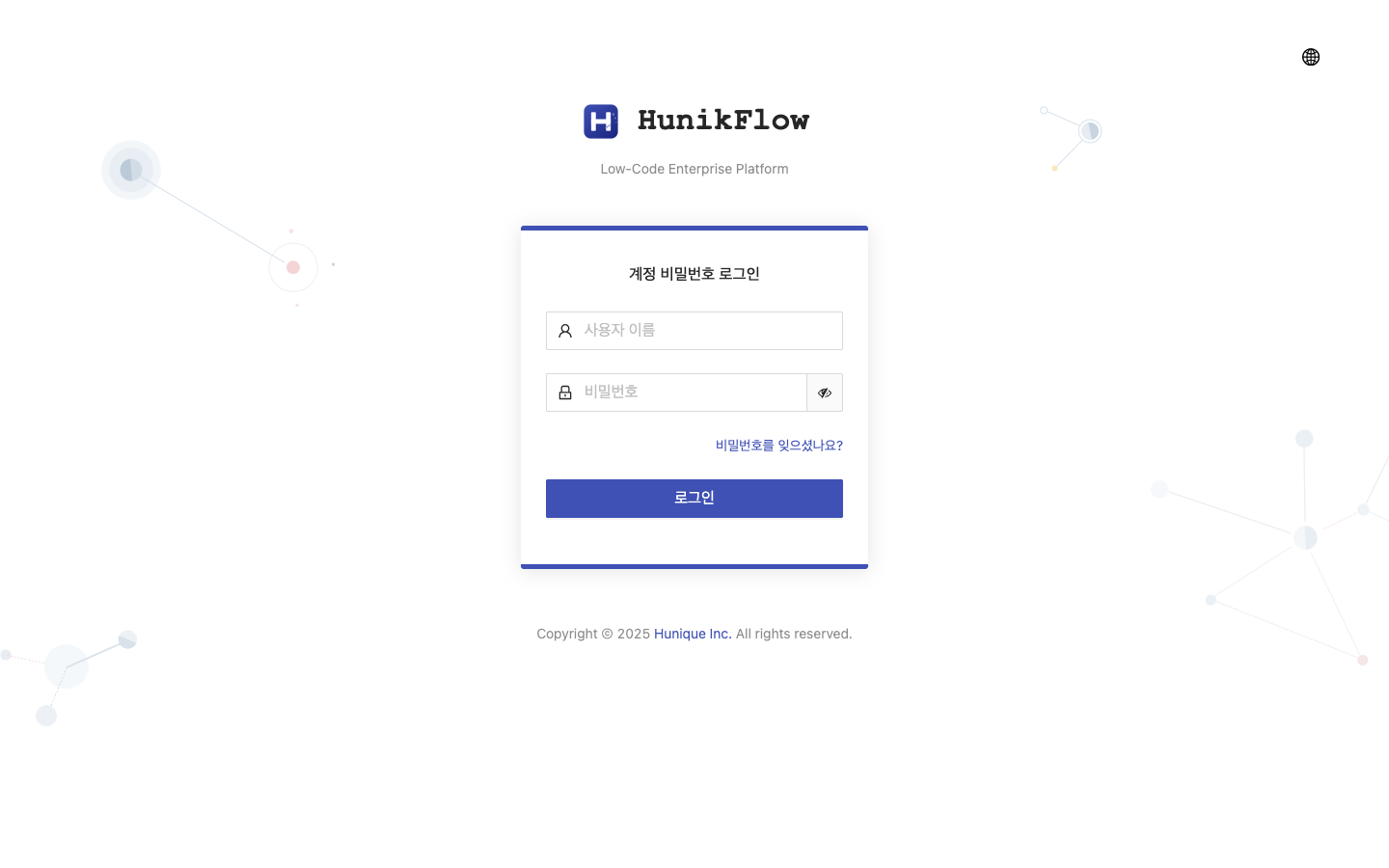
Login screen
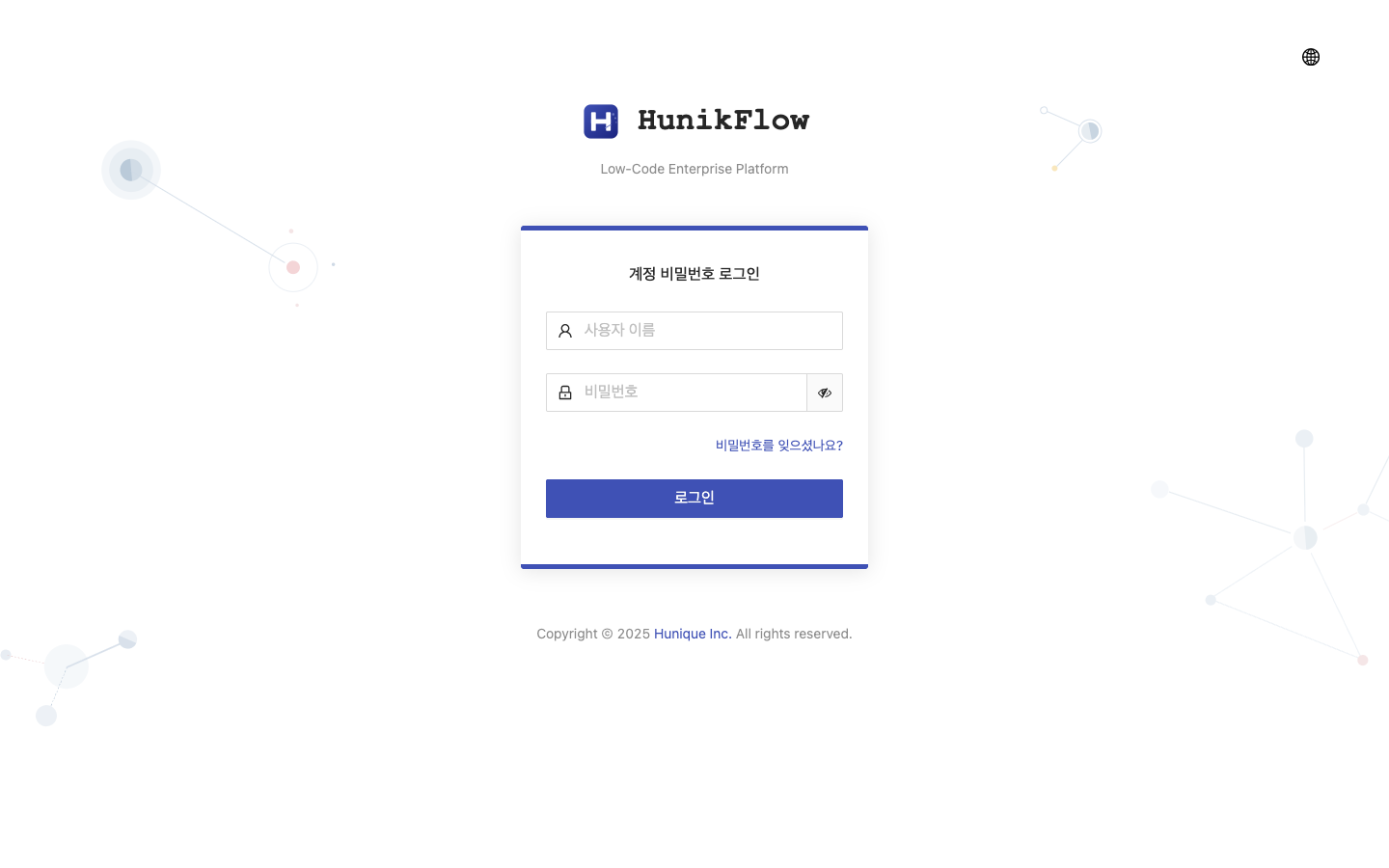
HunikFlow login screen — Korean UI, clean design
2. Estimated effort the conventional way
If a traditional development team had taken this project on, what would it have required?
Project scope (what was actually built)
| Area | Content | Deliverable |
|---|---|---|
| Platform modernization | Replaced 14 Chinese libraries, built an i18n system (625 keys) | Phases 1–2 |
| Security hardening | Fixed 5 RCE vulnerabilities, removed technical debt | Phase 3 |
| Environment upgrade | Java 21, Angular 21, all libraries brought current | Phase 4 |
| Full rebranding | Package names, class names, DB tables, API paths all changed | Phases 5–6 |
| ERP modules (40+ entities) | CRM 10, HR 9, finance 6, assets 5, CS 3, inventory 4, orders 3 | Entities + CRUD |
| Project management module | Projects, issues, sprints, kanban board, backlog | New development |
| BPM workflow | Approval process definition/execution/approval/rejection | New development |
| eCount ERP integration | API auth, item/warehouse/inventory sync, scheduler | External integration |
| QA testing | 363 test cases (99.4% pass rate) | Automation scripts |
Estimated effort for a traditional team
    Team: 4–5 people (2 backend, 1 frontend, 1 QA, 1 PM/architect)

    Phases 1–3 (platform modernization + security) : 3–4 weeks × 3 = 9–12 man-weeks
    Phase 4    (environment upgrade)              : 2–3 weeks × 2 = 4–6 man-weeks
    Phases 5–6 (rebranding)                       : 3–4 weeks × 2 = 6–8 man-weeks
    ERP modules (40+ entities)                    : 4–6 weeks × 2 = 8–12 man-weeks
    Project management module                     : 3–4 weeks × 2 = 6–8 man-weeks
    BPM workflow                                  : 2–3 weeks × 2 = 4–6 man-weeks
    eCount integration                            : 2–3 weeks × 1 = 2–3 man-weeks
    QA testing                                    : 2–3 weeks × 1 = 2–3 man-weeks
    ───────────────────────────────────────────────
    Total: about 41–58 man-weeks (roughly 10–15 man-months)
Realistically that’s at least 3–4 months, and on the order of ₩150M–200M in labor cost.
3. Actual time taken by one developer + AI
Effort actually spent
| Phase | Duration | Work |
|---|---|---|
| Phases 1–3 | 2 days | 14 libraries replaced, 625 i18n keys, 5 RCE fixes |
| Phase 4 | 1 day | Java 21 + Angular 21 + full library upgrade |
| Phases 5–6 | 2 days | Full package/class/DB/API renaming, Chinese text removed |
| Phase 7 | 0.5 day | Runtime bug fixes (login, API routing) |
| ERP modules | 1 day | 40 entities + DataProxy + KPI controllers |
| Project management | 1 day | 10 entities + kanban board + backlog + custom APIs |
| eCount integration | 1 day | API auth + sync services + dashboard |
| QA testing | 1.5 days | 363 TCs written + executed + bugs fixed + retested |
| Total | ~10 days | one developer + Claude Code |
10 man-days vs. 41–58 man-weeks = roughly a 20–30× difference in efficiency
A straight comparison is of course difficult — I was working on top of a low-code framework, and the AI generated repetitive patterns quickly. But the core point is clear:
“AI overwhelmingly outperforms human developers at repetitive code generation and pattern application.”
4. Where AI was especially strong
4-1. Large-scale refactoring — full package/class rename
In Phase 5 I renamed xyz.erupt.* → kr.hunik.flow.* across the board.
- Java packages: import/package changes across hundreds of files
- Maven POMs: groupId, artifactId, module names changed in bulk
- DB tables:
e_→hf_prefix change - API paths:
/erupt-api/→/api/v1/ - Angular components: selectors and module names changed
Done the traditional way — IDE refactoring plus manual verification — this is 1–2 weeks of work. With AI it was finished in 2 days. AI is exceptional at recognizing a pattern and applying it consistently.
4-2. Repetitive entity generation — 40 ERP modules
I defined 40+ entities with @Flow + @FlowField annotations. Ask the AI to “create accounts, contacts, products, opportunities, quotes, sales orders, contracts, invoices, sales activities, and analytics entities for the CRM module,” and it generates everything from field definitions to relationship mapping, DataProxy, and search conditions in a consistent pattern.
CRM account management
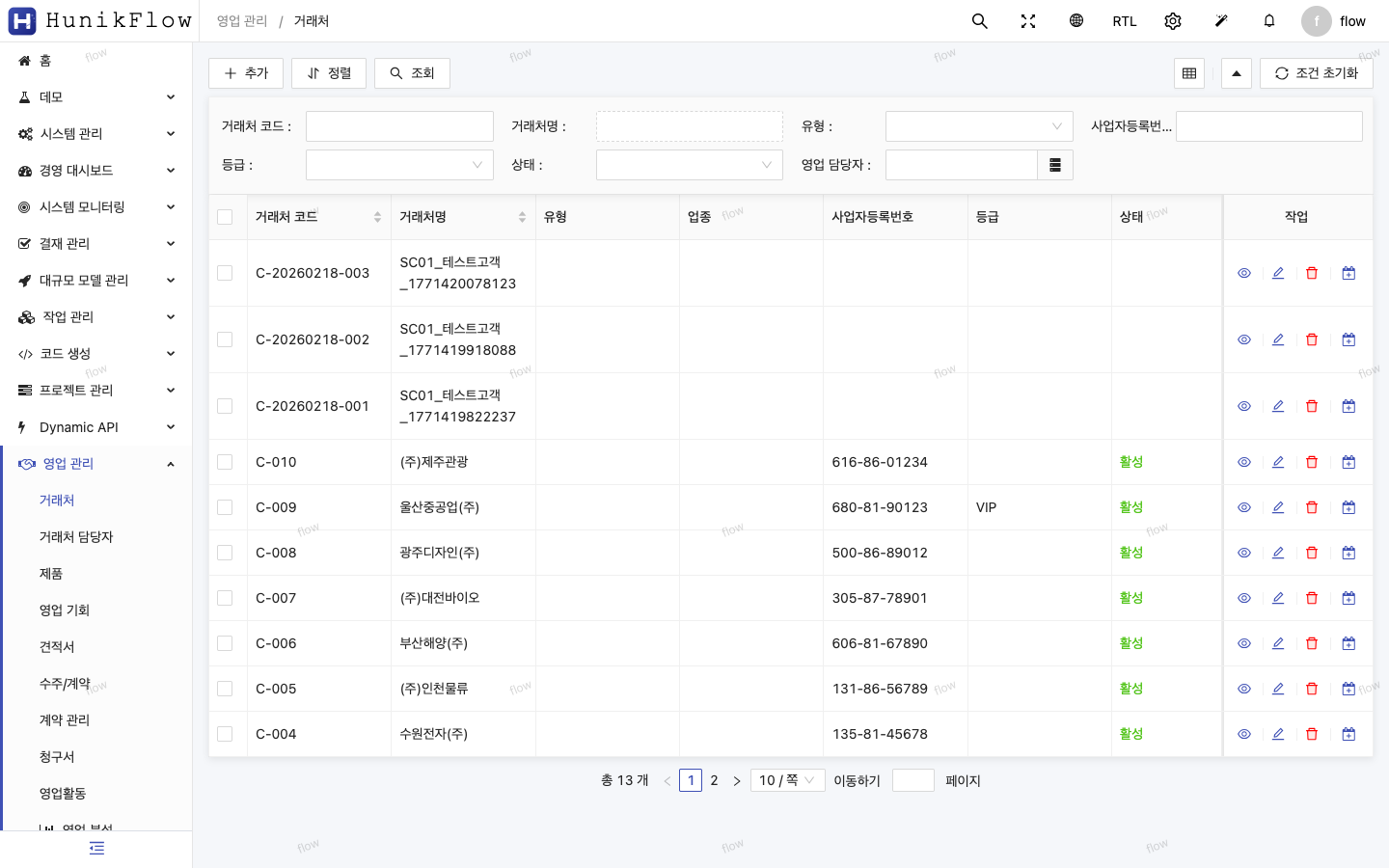
CRM account list — 13 rows of test data generated automatically
HR employee management
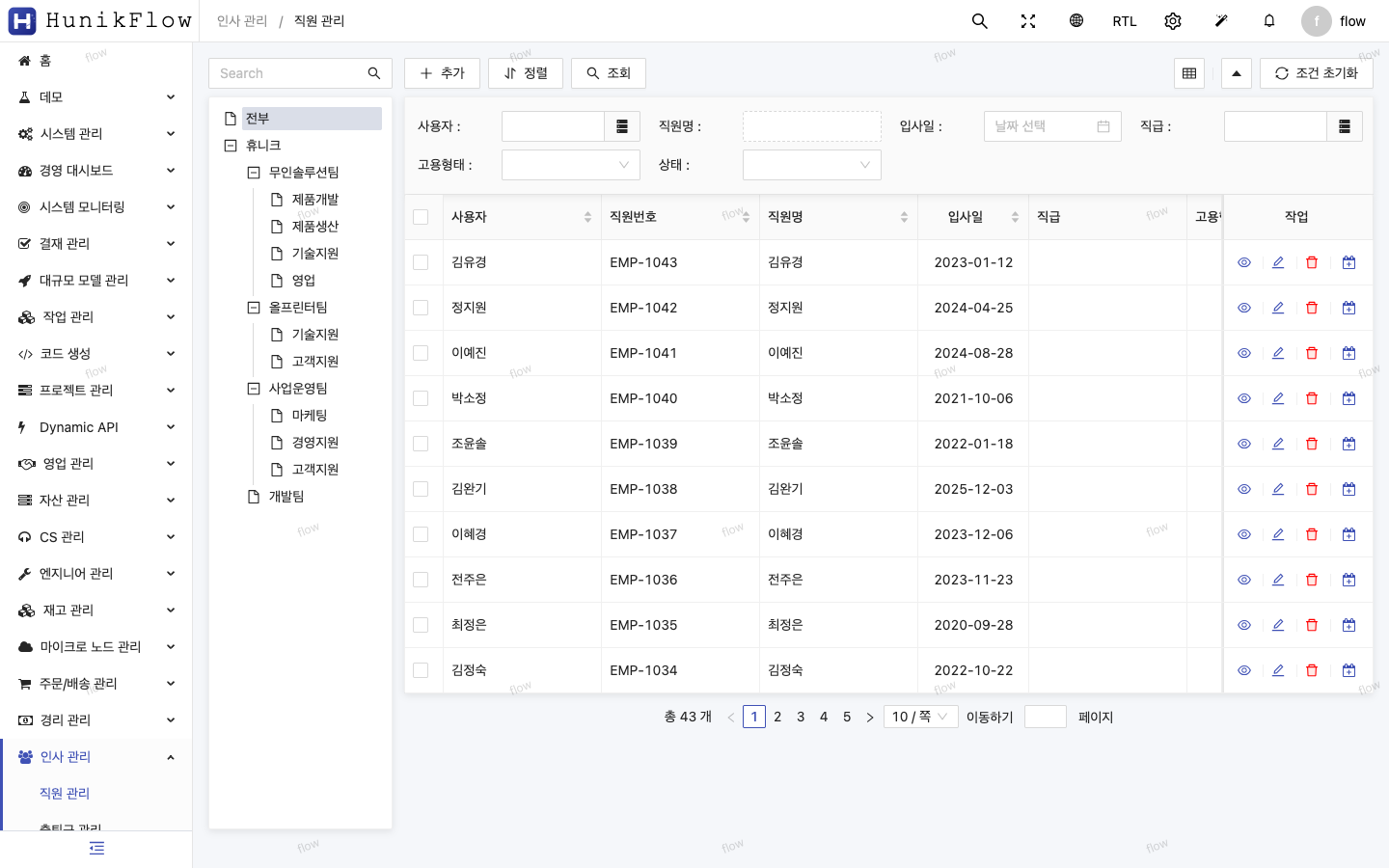
HR employee management — org chart tree view + 43 employee records
4-3. Custom frontend module — the kanban board
The project management module’s kanban board is custom UI that @Flow annotations alone can’t produce. The AI handled the kanban board (Angular CDK drag & drop), the backlog view, and the issue detail panel from design through implementation.
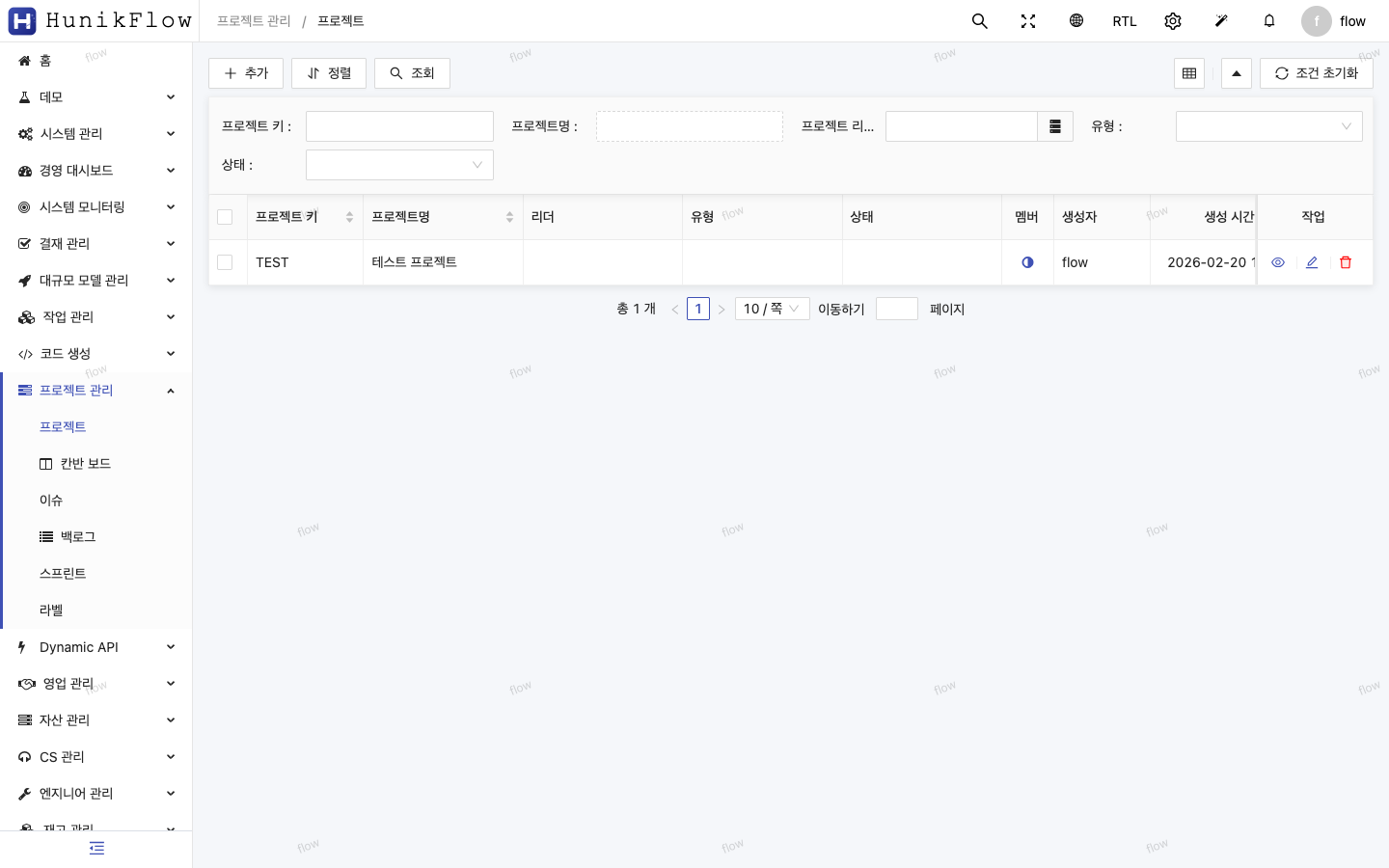
Project CRUD
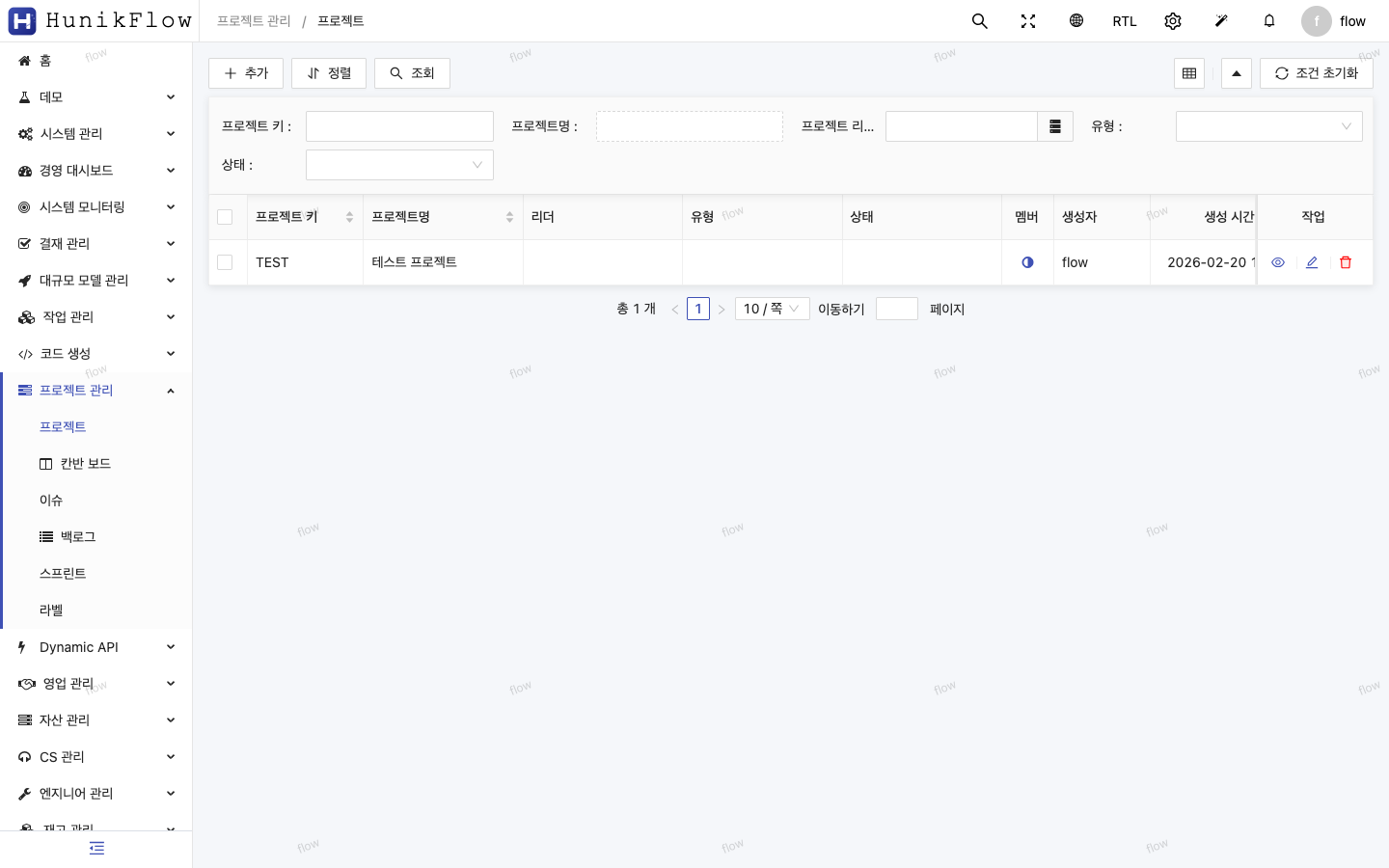
Project management — auto-generated CRUD table
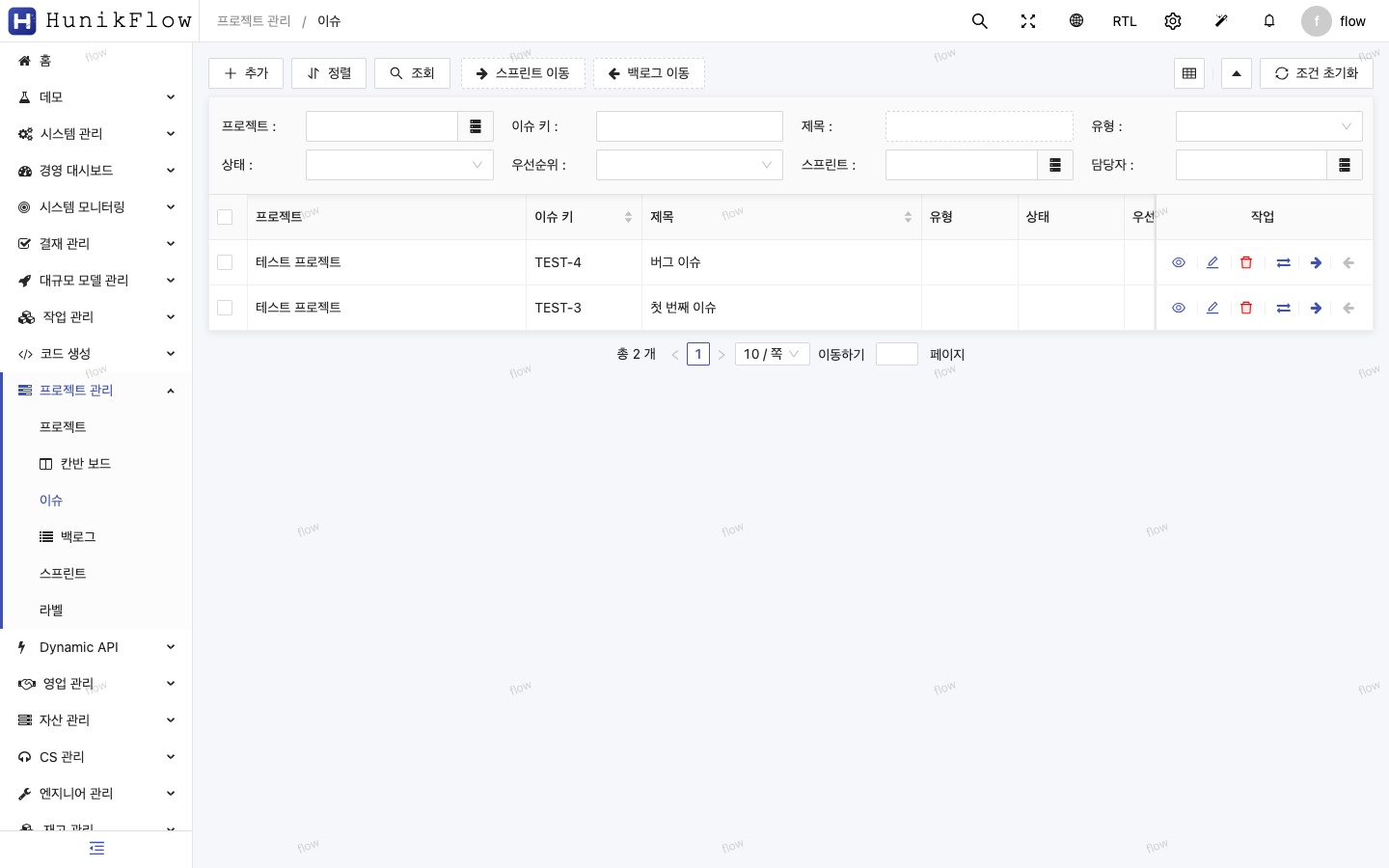
Issue management
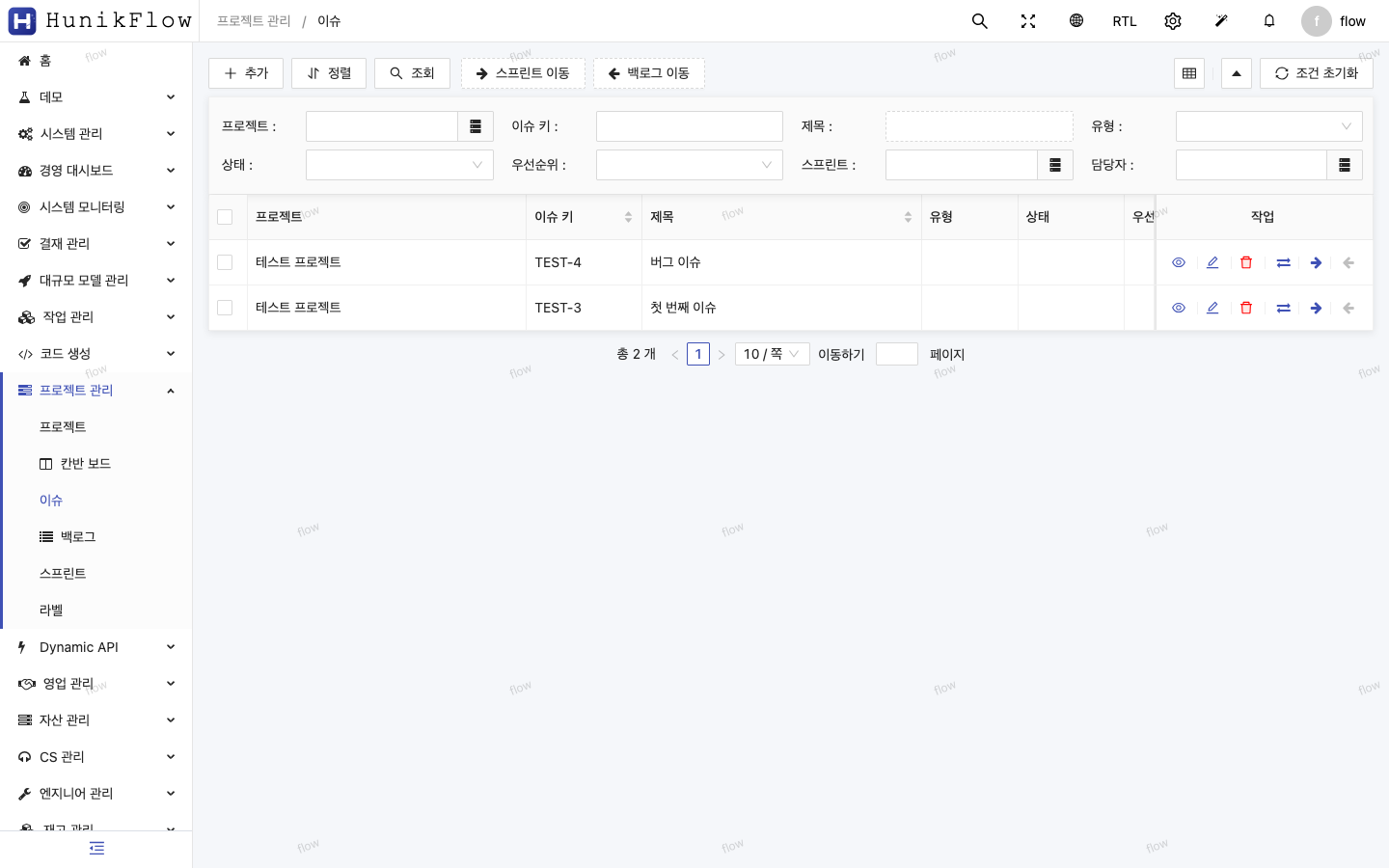
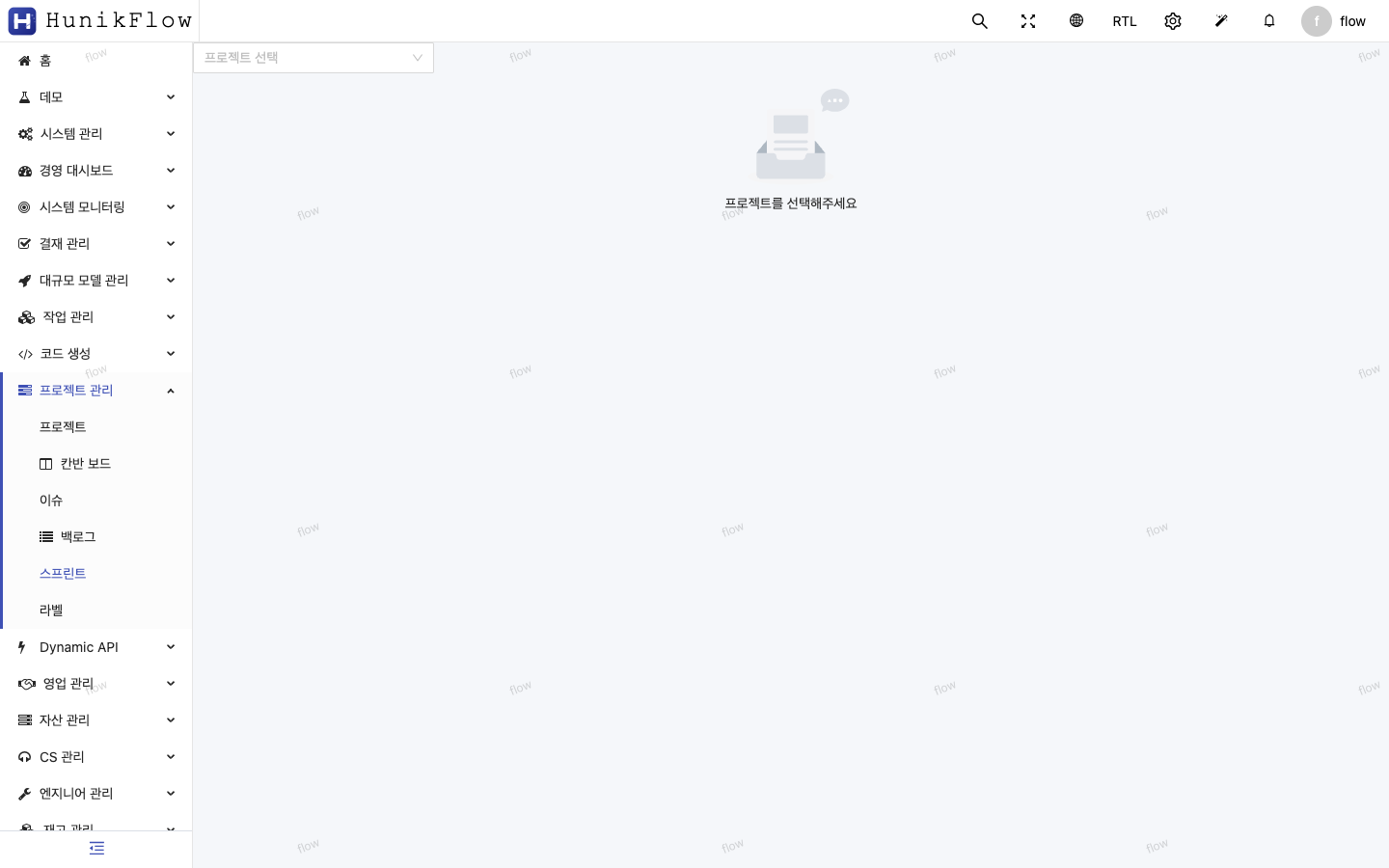
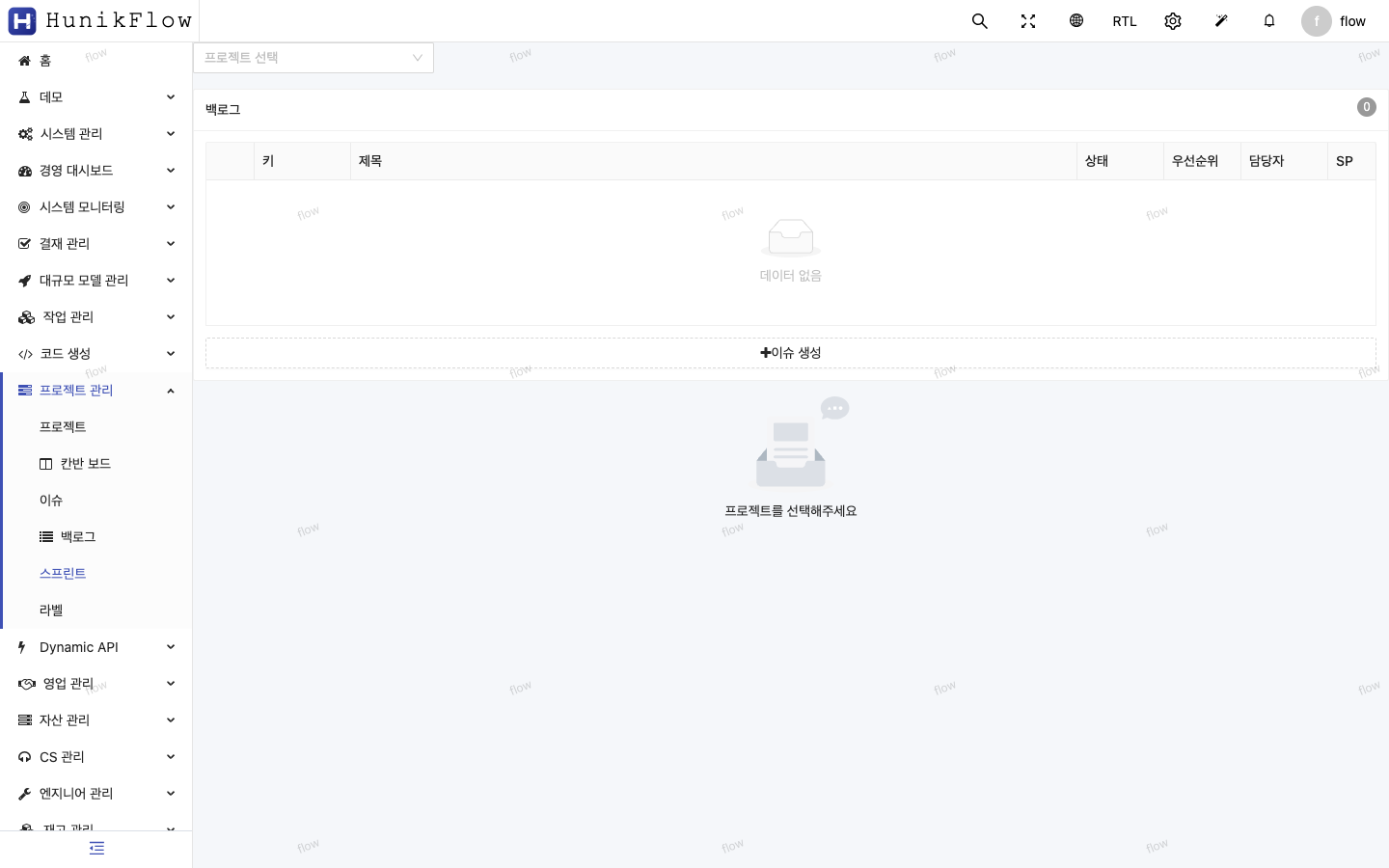
Issue tracker — per-project issue list, sprint/backlog move operators
Kanban board
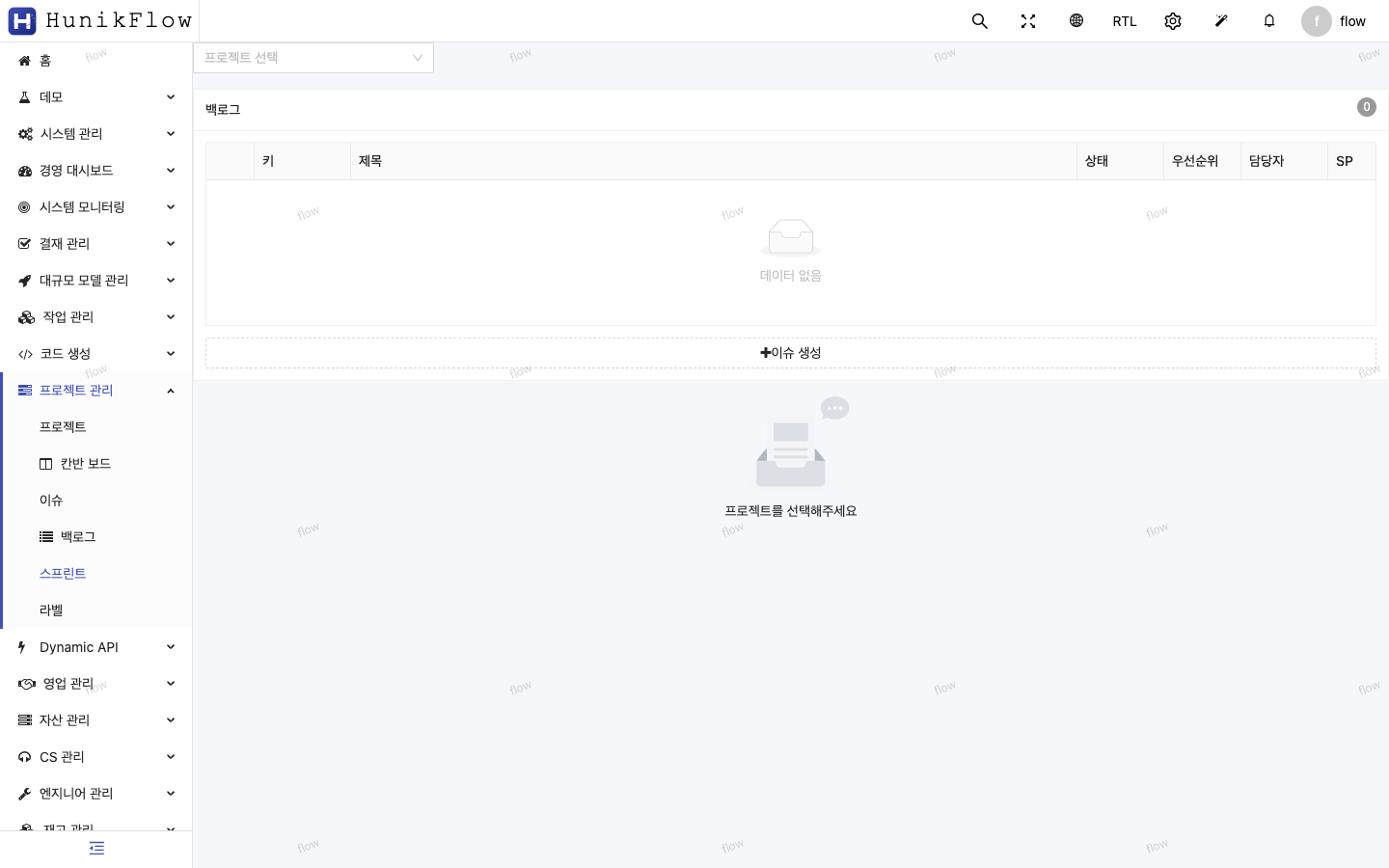
Kanban board — drag-and-drop issue status management
4-4. External API integration — eCount ERP
I had it analyze eCount’s OAPI V2 spec and implement authentication (zone lookup → login → SESSION_ID), item/warehouse/inventory sync, a scheduler, and a dashboard — all in a single day.
- 3,531 items synced
- 39 warehouses mapped
- 2,388 inventory records synced
4-5. QA automation — 363 test cases
The AI wrote and ran the test scripts, then analyzed the causes of failing cases and fixed them.
    Phase 1 unit tests:        95 TC → 94 PASS (98.9%)
    Phase 2 functional tests:  56 TC → 56 PASS (100%)
    Phase 3 scenario tests:    56 TC → 54 PASS (96.4%)
    Workflow QA:               16 TC → 16 PASS (100%)
    90% maturity E2E:         140 TC → 139 PASS (99.3%)
    ────────────────────────────────────────────
    Total: 363 TC → 359 PASS, 3 FAIL, 1 SKIP (99.4%)
5. Where AI was weak (an honest assessment)
5-1. Complex runtime debugging
In Phase 7 it took time to track down a bug where login stopped working. @FlowRouter’s skipAuthIndex calculation had broken because of the API path change (/erupt-api → /api/v1), and the AI got there after several attempts. Runtime behavior errors — as opposed to compile errors — require trial and error from AI too.
5-2. Understanding framework internals
HunikFlow (formerly Erupt) internals — particularly subtle things like the execution order of FlowUtil.validateFlowValue() → flowInsertDataProcess() → DataProxy.beforeAdd() — only became clear after deep analysis of the code.
5-3. UI/UX design judgment
Functionally it’s flawless, but design sense — color choices, layout composition — is still a human domain. AI builds a “UI that works” quickly; a “beautiful UI” needs a designer’s eye.
6. The result — screens that actually work
Main dashboard (20+ menus)
Main dashboard
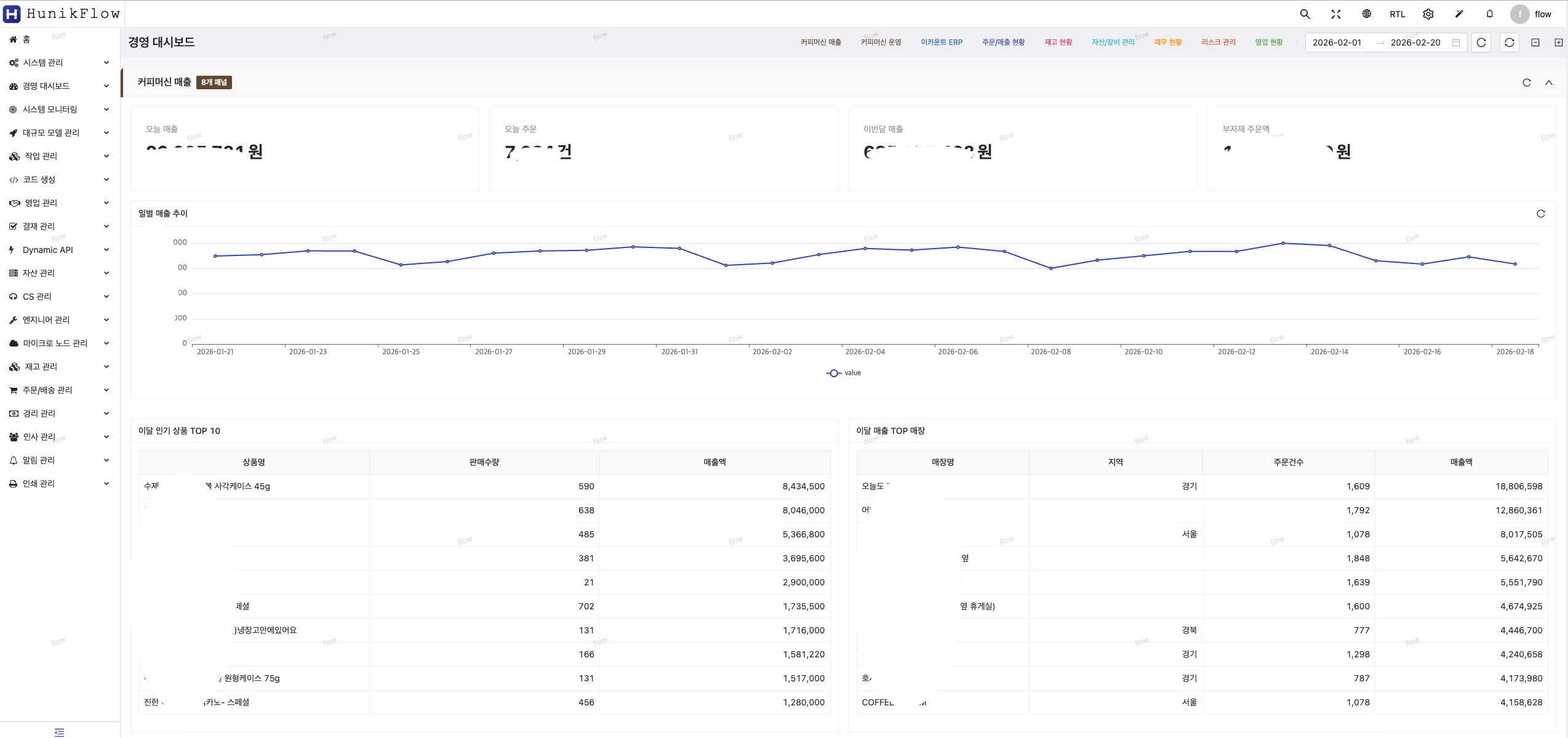
The sidebar shows 20+ modules — CRM, HR, assets, CS, inventory, orders/shipping, accounting, project management, and more
Project management module (newly built)
| Screen | Description |
|---|---|
| Projects | Project CRUD — key, name, lead, type, status |
| Issues | Issue management — issue key, title, type, status, priority |
| Kanban | Kanban board — drag & drop status transitions |
ERP modules
| Screen | Description |
|---|---|
| CRM | CRM accounts — code, name, industry, business number, tier, status |
| HR | HR employee management — org chart tree + employee list (43 people) |
7. Productivity comparison summary
| Metric | Traditional team (4–5 people) | 1 person + AI (Claude Code) |
|---|---|---|
| Total duration | 3–4 months | ~10 days |
| Headcount | 4–5 | 1 |
| Total effort | 41–58 man-weeks | ~2 man-weeks |
| Labor cost (est.) | ₩150M–200M | ₩15M–20M |
| Test coverage | Mostly manual QA | 363 automated TCs (99.4%) |
| Code consistency | Varies by developer | Uniform, AI-driven patterns |
| Refactoring speed | 1–2 weeks | 2 days |
8. Key lessons
Effective strategies for collaborating with AI
- Define clear patterns first
- Given a repeating pattern like
@Flow+@FlowField, the AI generates dozens of entities consistently.
- Given a repeating pattern like
- Apply a PDCA cycle
- Proceeding Plan → Design → Do → Check → Act keeps the AI from losing context.
- Gap analysis (comparing implementation against the design) catches omissions automatically.
- Hand testing to the AI
- Writing test cases, running them, analyzing failures, and fixing bugs all cycle through the AI.
- Writing 363 TCs by hand would have taken at least a week.
- Give plenty of context when debugging
- “The login API returns 401 and I suspect the
skipAuthIndexcalculation inFlowSecurityInterceptor” is far faster than “login is broken.”
- “The login API returns 401 and I suspect the
- Have it read the docs first for external API integrations
- Giving the AI the eCount API documentation URL let it go from spec analysis to implementation on its own.
9. Conclusion
AI is not a development assistant tool but a pair programming partner.
Its value is maximized on projects like enterprise ERP: heavy on repeating patterns, requiring large-scale refactoring, and needing many modules built quickly.
Building an enterprise-grade ERP in 10 days shows where software development in the age of AI is heading. What matters is not using AI as a mere code generator, but integrating it into the whole design–implementation–verification cycle.
“The developer’s role is shifting from typing the code to setting the right direction and verifying the AI’s output.”
This post is based on a real project, and every screenshot is captured from a working system.
Author: Wanki Kim (kwg@hunik.kr) Company: Hunik Inc. (https://www.hunik.kr) Project: HunikFlow — Low-Code Enterprise Platform